Guide
How Spark Works
Step-by-step guide for new users
Spark lets one login hold two separate profile types: Looking for Work and Offering Work. You can use one or both.
1. Register your account
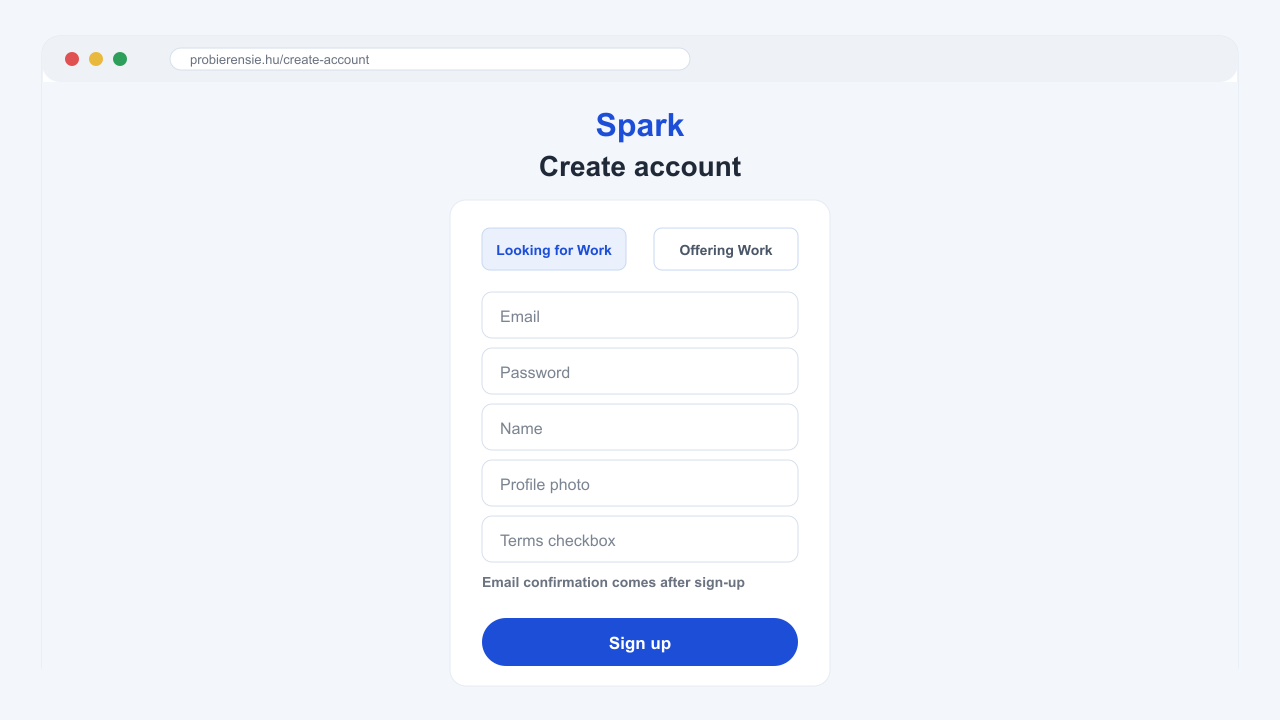
Open the sign-up page, enter your email and password, confirm that you are at least 18, and accept the Terms and Privacy Policy. After registration, check your email and open the confirmation link to activate your account.
2. Create your first profile
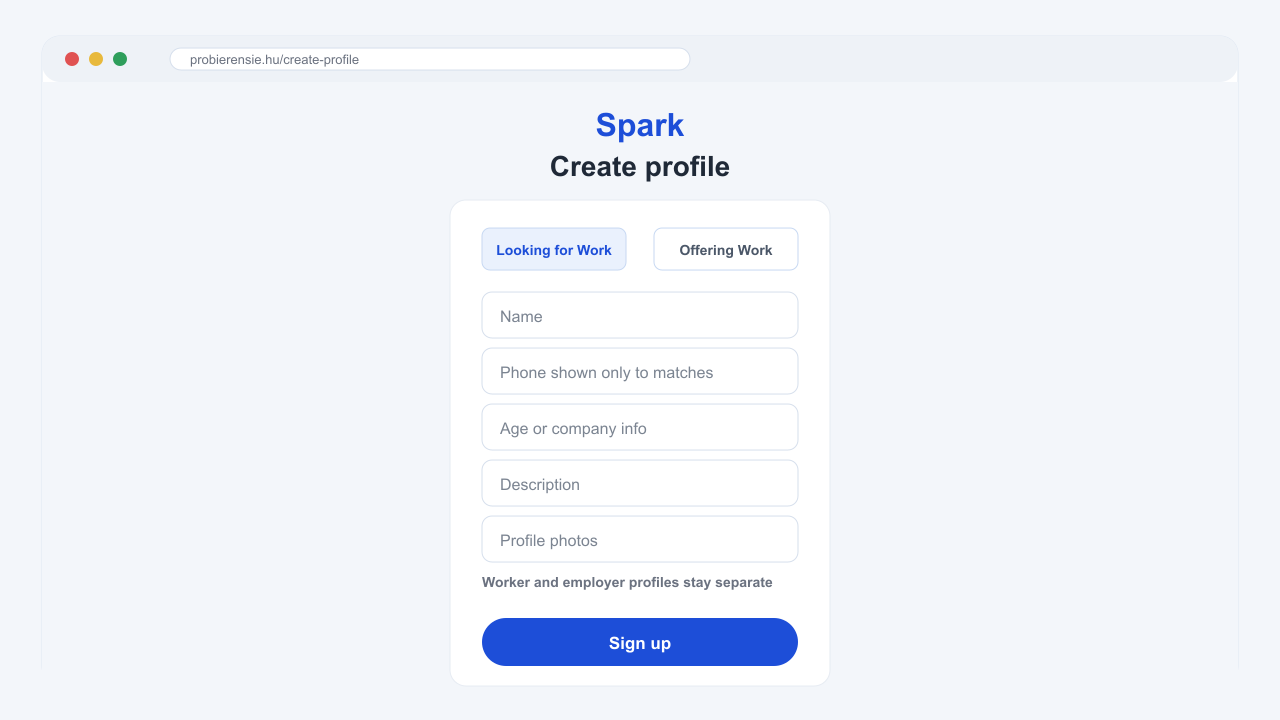
Choose whether you want to start as Looking for Work or Offering Work. Add your name, profile photo, description and the information needed for that profile type.
Looking for Work is for people who want to be found by work providers. Offering Work is for people or companies that want to publish an offer and find suitable people.
3. Save or update your location
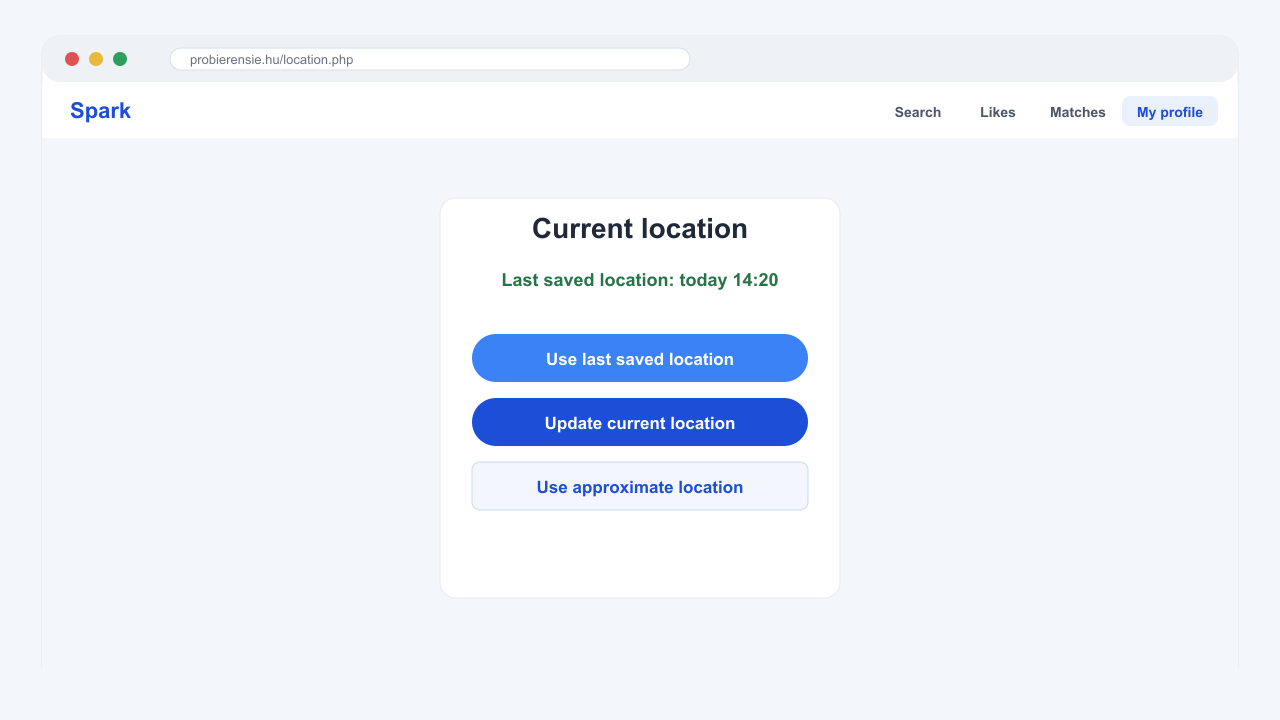
Spark uses location only to show nearby profiles. When you log in again, you can use your last saved location, update your current location, or use an approximate location if precise location is not available.
4. Change your profile information
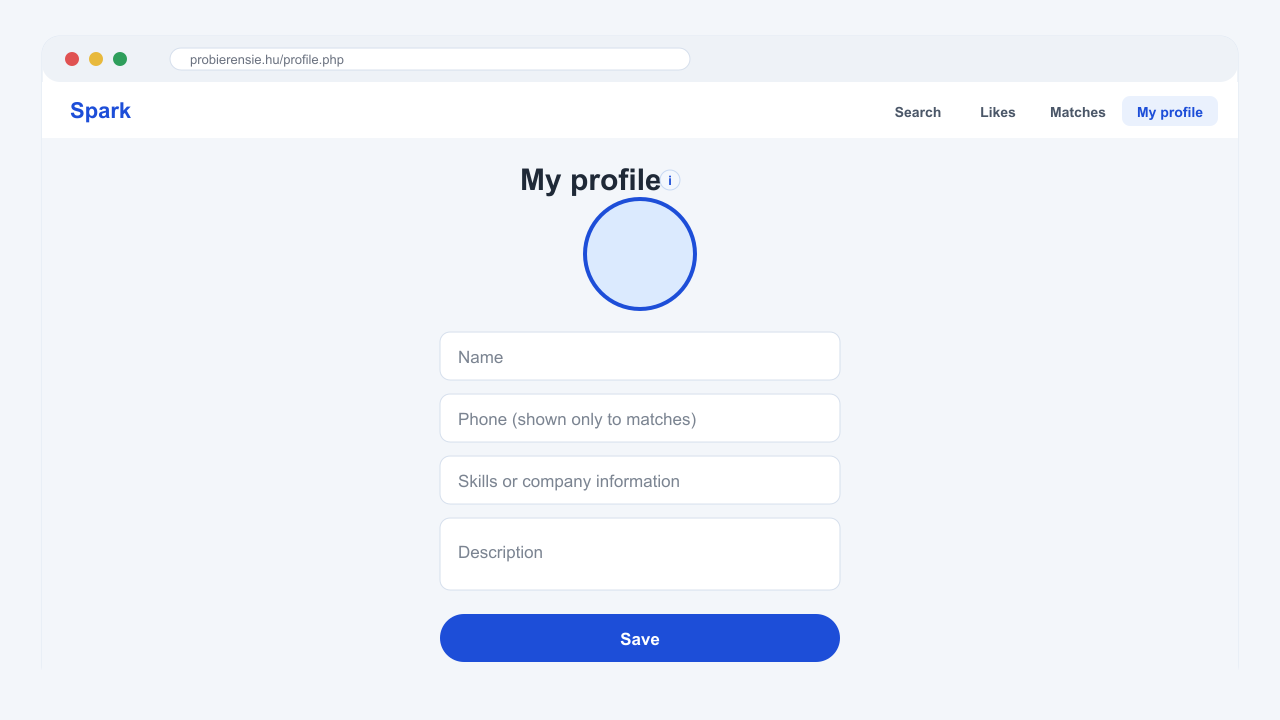
Open My profile to edit your name, phone number, description, photos and profile-specific details. Your phone number is only shown after a match.
If your account has both profile types, each profile has its own separate information. Changing one profile does not rewrite the other one.
5. Swipe through nearby profiles
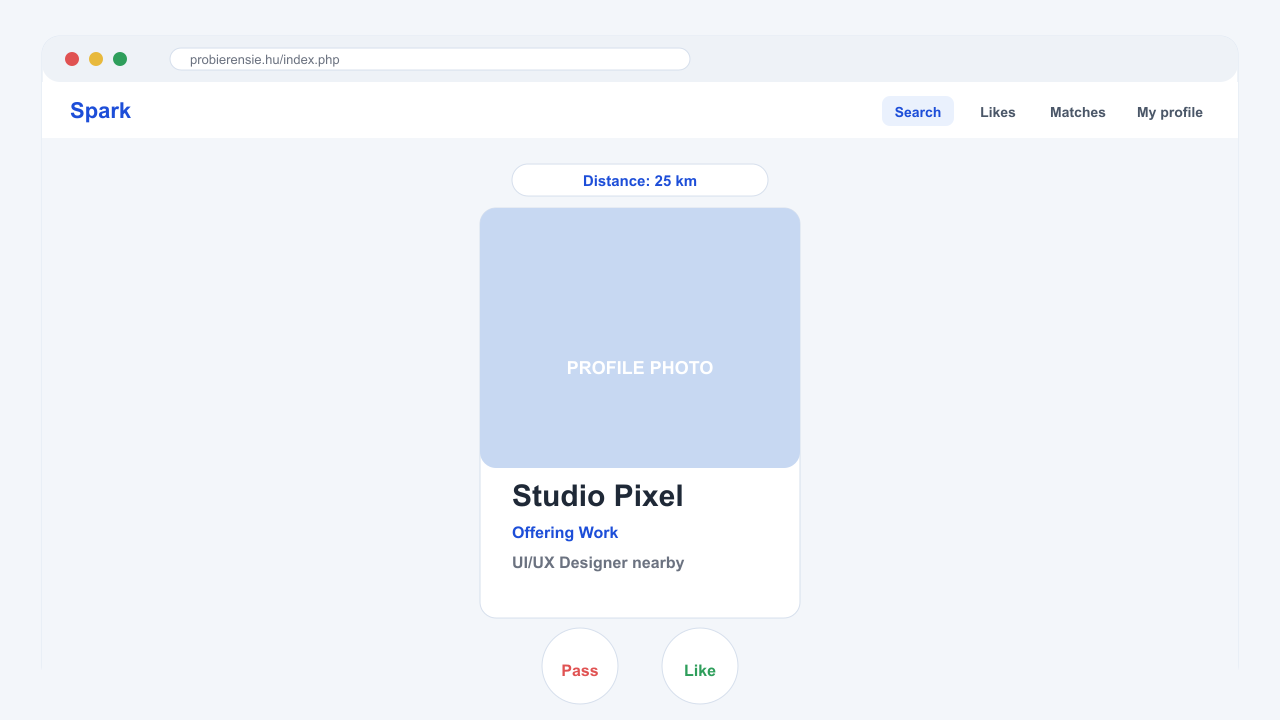
On the Search page, use the distance filter to decide how far Spark should look. Swipe right or use the like button when you are interested. Swipe left or pass when you are not interested.
Looking for Work profiles see Offering Work profiles. Offering Work profiles see Looking for Work profiles.
6. Switch to Offering Work
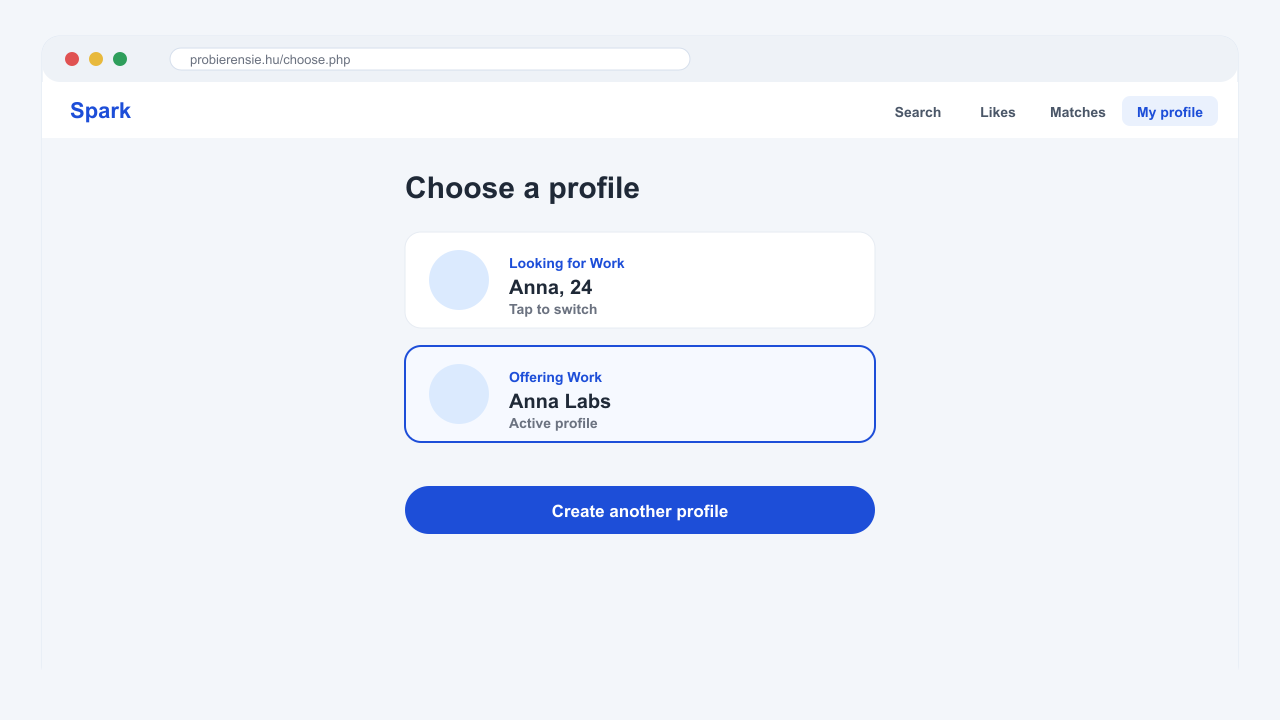
Open Switch profile and choose your Offering Work profile. If you do not have one yet, create it from the same screen. After switching, Spark shows people who are looking for work.
7. See who liked you
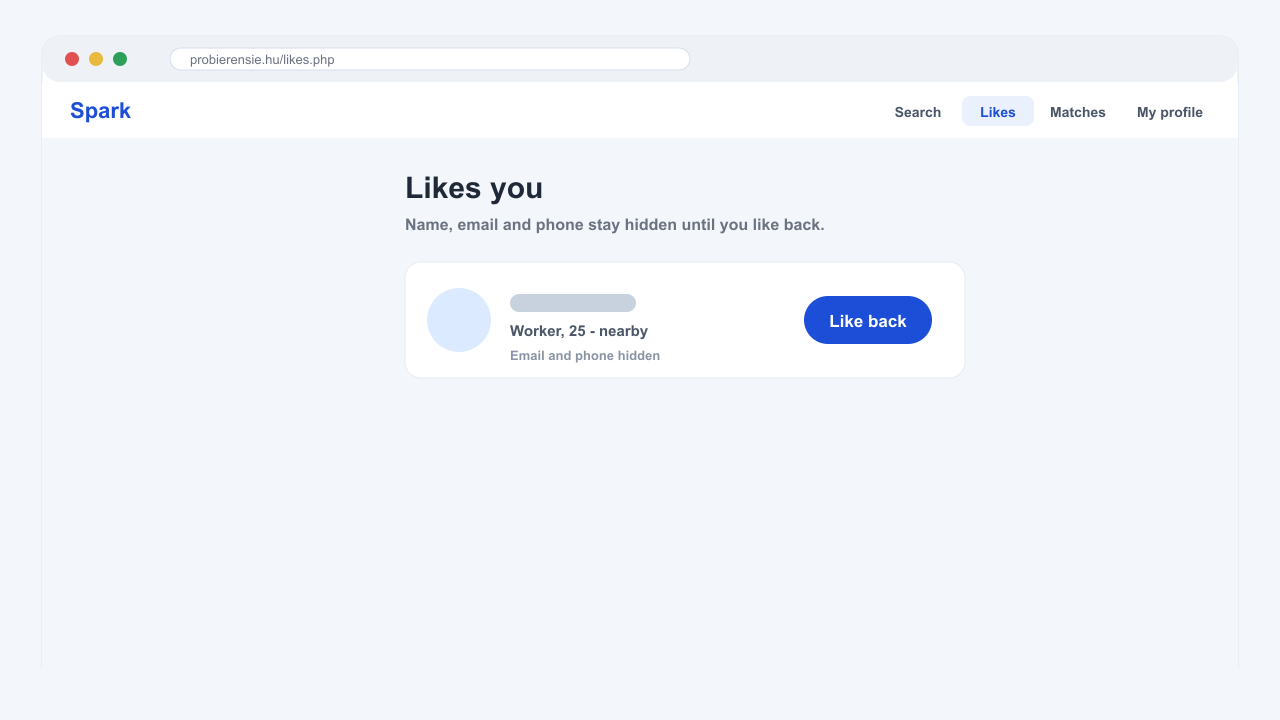
Open Likes. Users who liked your profile may appear blurred until you also choose to like them back. This keeps the first contact mutual instead of exposing everything immediately.
8. Like back and match
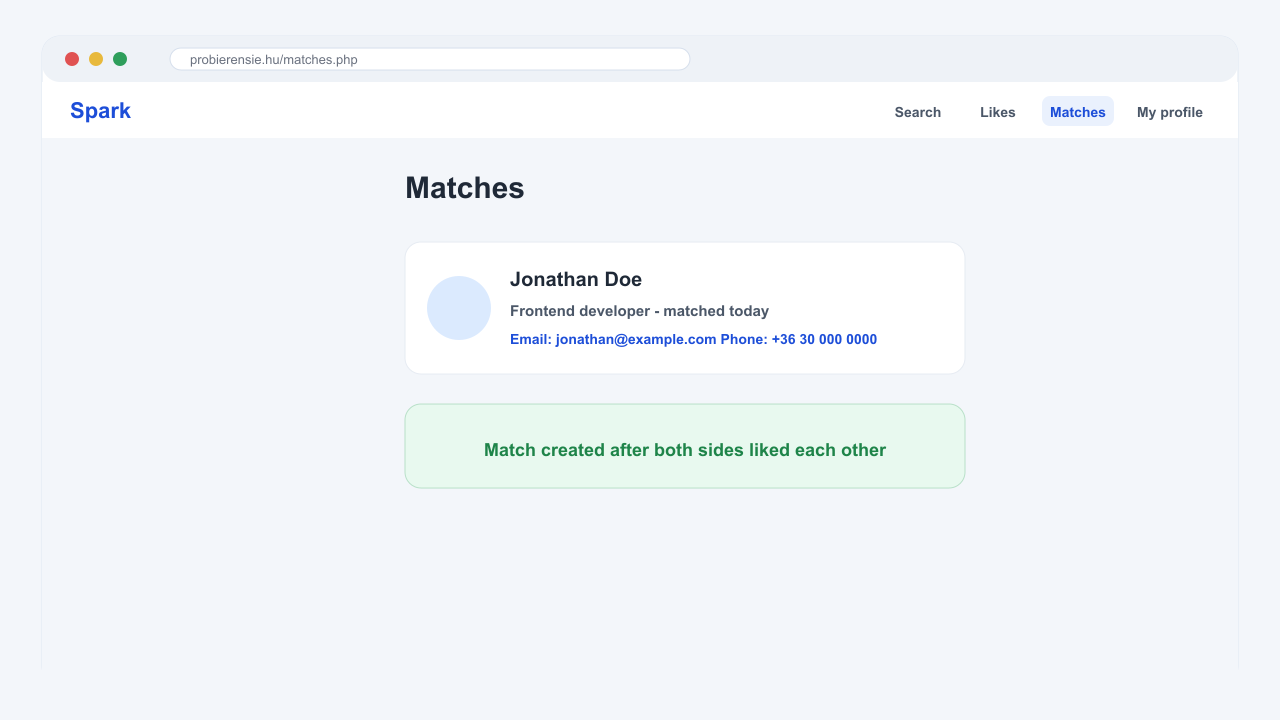
When you like someone back, Spark creates a match. After a match, both sides can see the match and any contact details that are meant to be shown only after mutual interest.